


Download 3D Valentine Fairies – Free Valentine Screensaver, Romantic Desktop Theme
Overview
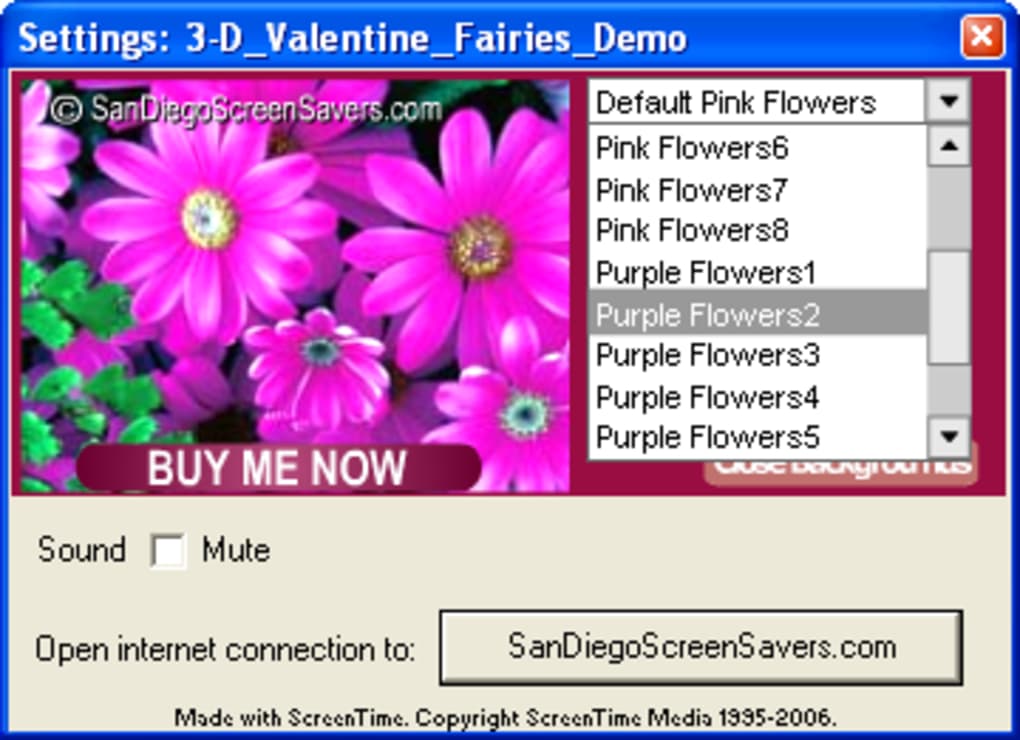
3D Valentine Fairies is a whimsical, romantic screensaver designed especially for Valentine’s Day lovers who want their desktop to reflect the spirit of the holiday. The moment you activate the program, two charming fairies glide across a lush, flower‑filled background while a soft classical melody plays in the background, creating an atmosphere that feels both festive and soothing. The screensaver offers several floral scenes, though the free demo limits you to the default garden setting; the full version unlocks additional bouquets, pastel color palettes, and a selection of music tracks.
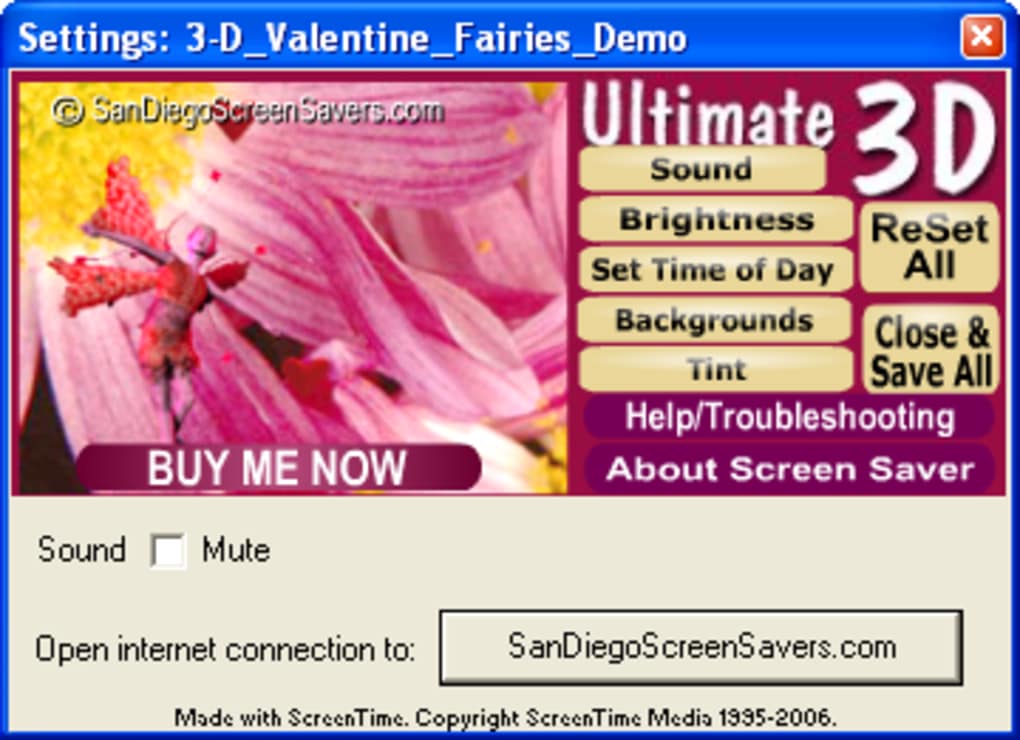
While the visual style leans toward the “cheesy” side of romance, the smooth 3D animation and low‑resource usage make it a pleasant addition to any Windows or macOS machine. Whether you’re decorating your home office for a special date, looking for a sweet background for a virtual Valentine’s party, or simply enjoy seasonal desktop themes, 3D Valentine Fairies delivers a quick, hassle‑free way to add a touch of love to your screen. The program is lightweight, safe to download from reputable sources, and includes simple customization options such as brightness, sound volume, and color tint, ensuring that users can tailor the experience to their personal taste without diving into complex settings.
Key Features, Pros, and Cons
Feature List
- Three‑dimensional animated fairies that dance across the screen.
- Multiple flower‑themed background options (full version unlocks all).
- Classical music soundtrack with volume control.
- Brightness, color tint, and speed adjustments.
- Low CPU and RAM usage – suitable for older computers.
- Easy‑to‑use settings panel with real‑time preview.
- Supports both Windows (7/8/10/11) and macOS (10.12+).
- Free demo version available for quick testing.
Pros
- Instantly creates a romantic atmosphere without needing extensive setup.
- Smooth 3D animation runs well even on modest hardware.
- Customizable sound and visual settings let you fine‑tune the experience.
- Free demo version provides a risk‑free way to evaluate the software.
- Lightweight installer, no unnecessary bloatware.
Cons
- Demo version restricts background selection to a single scene.
- Theme is highly specific to Valentine’s Day; limited utility outside the holiday.
- No built‑in timer to automatically disable after the holiday.
- Only classical music tracks are included; no custom audio option.
Installation, Usage Instructions & Compatibility
Step‑by‑Step Installation
1. Download the installer from the official website or a trusted software repository.
2. Run the setup.exe (Windows) or 3DValentineFairies.pkg (macOS) file.
3. Follow the on‑screen wizard: accept the license agreement, choose the installation folder (default is fine for most users), and click “Install.”
4. When the process finishes, click “Finish” to launch the application automatically or locate the shortcut on your desktop/start menu.
How to Use the Screensaver
After installation, open the 3D Valentine Fairies control panel. Here you can select the desired background, adjust the brightness slider, toggle the music on or off, and set the volume level. Press “Preview” to see a live demonstration before applying.
To activate the screensaver, go to your operating system’s display settings, choose “3D Valentine Fairies” from the list of available screensavers, and set the idle time (e.g., 5 minutes). The program will automatically start the animation once your computer is idle for the specified period. You can also start it manually by double‑clicking the desktop shortcut.
System Compatibility
The software is compatible with Windows 7, 8, 10, and 11 (both 32‑bit and 64‑bit) as well as macOS 10.12 Sierra and later. Minimum requirements are modest: a 1 GHz processor, 256 MB RAM, and a graphics card capable of basic OpenGL rendering. Because the animation is lightweight, it runs smoothly on most laptops and even older desktops without causing noticeable performance drops.
For users who prefer portable usage, the program can be installed on a USB flash drive and run on any compatible Windows machine, provided the appropriate runtime libraries are present. No additional software (such as DirectX) is required beyond what is already bundled with modern operating systems.
FAQ and Final Thoughts
Frequently Asked Questions
-
Is the 3D Valentine Fairies screensaver free?
Yes, a free demo version is available for download. The full version, which unlocks all backgrounds and music tracks, is sold at a modest price.
-
Can I use my own music with the screensaver?
The current version only supports the built‑in classical soundtrack. Future updates may add custom audio support.
-
Will the screensaver affect my computer’s performance?
No. The application is designed to be lightweight, using minimal CPU and RAM, so it won’t slow down everyday tasks.
-
Is the software compatible with macOS Ventura?
Yes. The macOS installer works on Ventura as well as earlier versions back to macOS Sierra.
-
How do I switch back to my previous screensaver?
Open your system’s screensaver settings, select the previous screensaver from the dropdown list, and apply the changes.
Conclusion – Should You Download 3D Valentine Fairies?
If you enjoy seasonal desktop decorations and want a simple, romantic touch for Valentine’s Day, 3D Valentine Fairies offers a delightful, low‑effort solution. Its charming 3‑D animation, gentle classical music, and easy customization make it a pleasant addition to any Windows or macOS setup. While the demo limits you to a single background and the theme is clearly holiday‑specific, the inexpensive full version provides extra scenes and a richer audio experience. Overall, the screensaver balances visual appeal with performance efficiency, making it a safe and enjoyable download. Download 3D Valentine Fairies today to give your computer a festive makeover and let the fairies dance across your screen this Valentine’s season.







